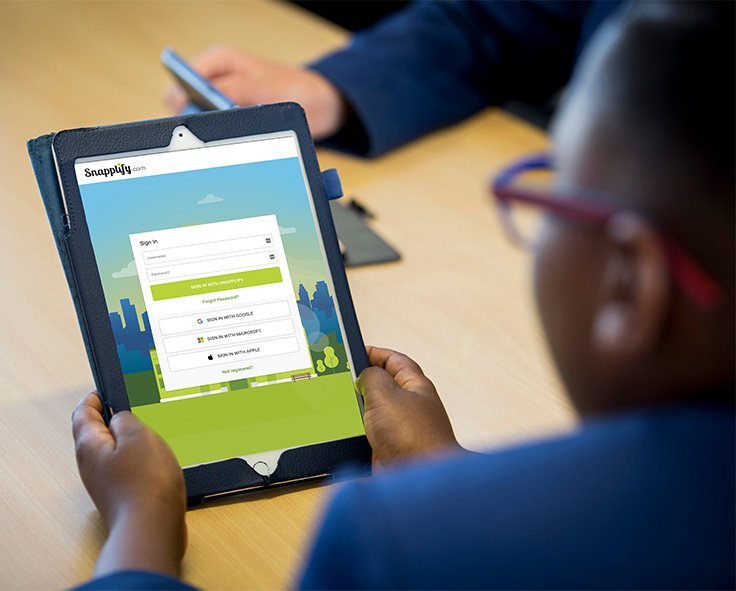

How Snapplify enabled inclusive digital learning at Oakley House through smart account syncing
Key Challenges
Manual creation and updates of user accounts
Every time a student joined, left, or changed grades, user accounts had to be manually created or adjusted in multiple systems, consuming valuable time.
Confusing login experience for learners
Many learners, particularly those with learning difficulties, struggled to manage multiple usernames and passwords across platforms.
Admin duplication across systems
Because systems weren’t connected, the school had to keep two sets of user records updated — one in their internal systems, and another in their digital learning platforms.
Inconsistent learner access
Delays in account setup meant some students weren’t able to access digital content on time, causing disruptions in class and extra support demands for teachers.
Improvements and Successes
Snapplify delivered a seamless solution that aligned with the school’s needs — making digital access smarter, faster, and easier to manage.
- Automated account syncing
- Snapplify Engage was set up to sync directly with the school’s directory. This means learner and teacher accounts are created and updated automatically — no manual work required.
- Simple, secure login with SSO
- With Snapplify’s Single Sign-On (SSO), learners use one set of school login details to access all their digital learning content. This made it easier for students to access resources independently and reduced login-related support requests.
- Central content access
- All digital textbooks and learning resources are accessible from one platform. Teachers can assign materials, and students know exactly where to find them.
- Live directory updates
- The school only needs to manage its internal directory. Any changes made there — like grade movements, new admissions, or exits — are automatically pulled through into Snapplify Engage. This eliminated duplicate admin completely.
Implementation
Snapplify was connected to the school’s internal directory.
Account provisioning was automated from day one.
Both learners and teachers were able to access digital content right away with no delays or technical issues.
The system continues to update itself — every time the school updates its records, Snapplify follows automatically.
No additional staff training or manual setup was needed.
The decision to choose Snapplify
Oakley House needed more than just a content platform — they needed a solution that would work in the background to simplify access for everyone. Snapplify stood out for its ability to remove unnecessary steps in the digital learning process. With a fully integrated account sync and a platform that automatically stays in step with the school’s systems, Snapplify provided a simple, effective way to manage digital learning across the school.
About Oakley House
Oakley House is an independent remedial school in Cape Town, South Africa, offering inclusive education to learners with barriers such as ADHD, dyslexia, and processing challenges. With a strong focus on personal growth and academic success, the school provides a structured environment that supports both individual learning and emotional development.
In moving towards more digital learning, the school needed a platform that would align with their inclusive approach — reducing complexity and making access easier for both staff and students.